
Mumuso
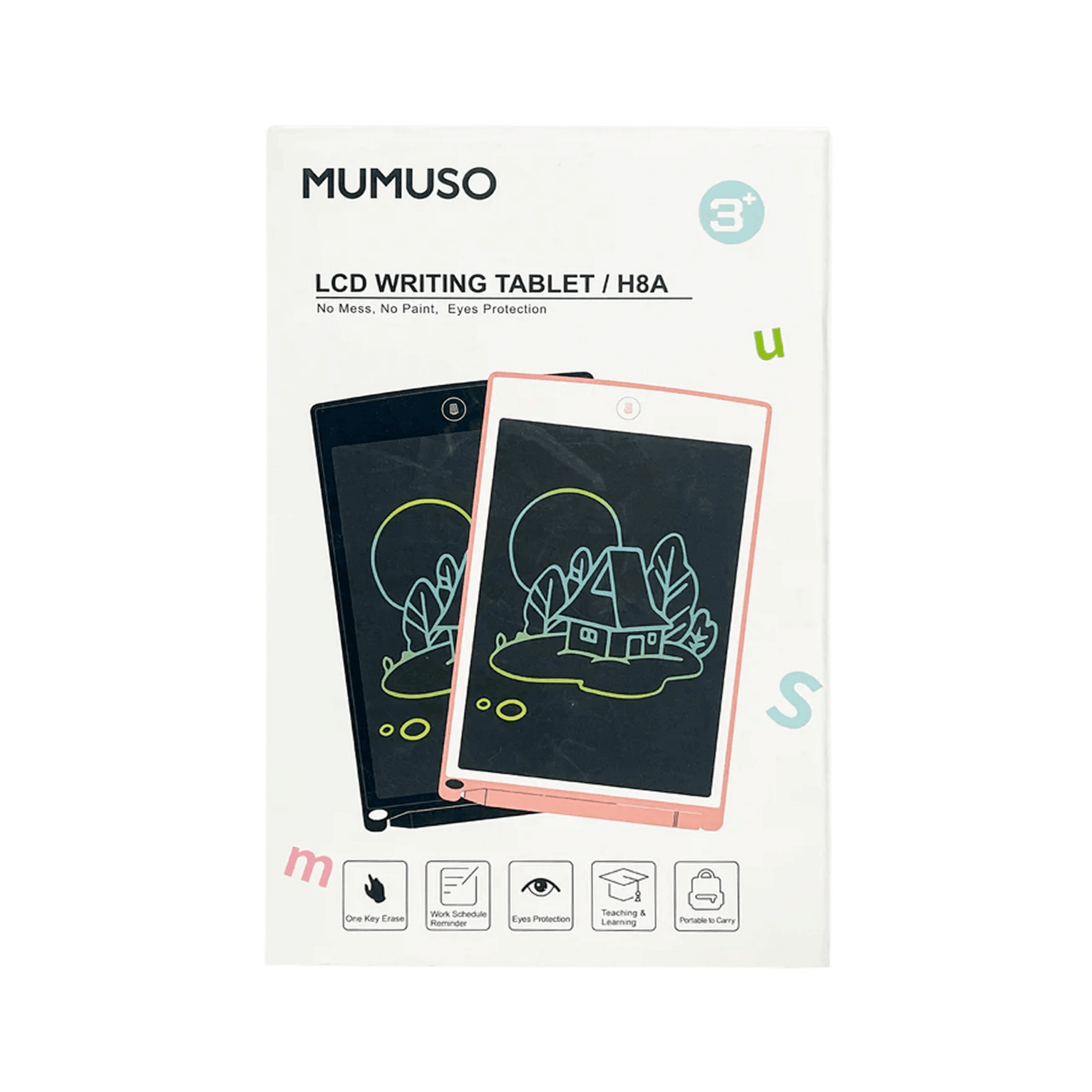
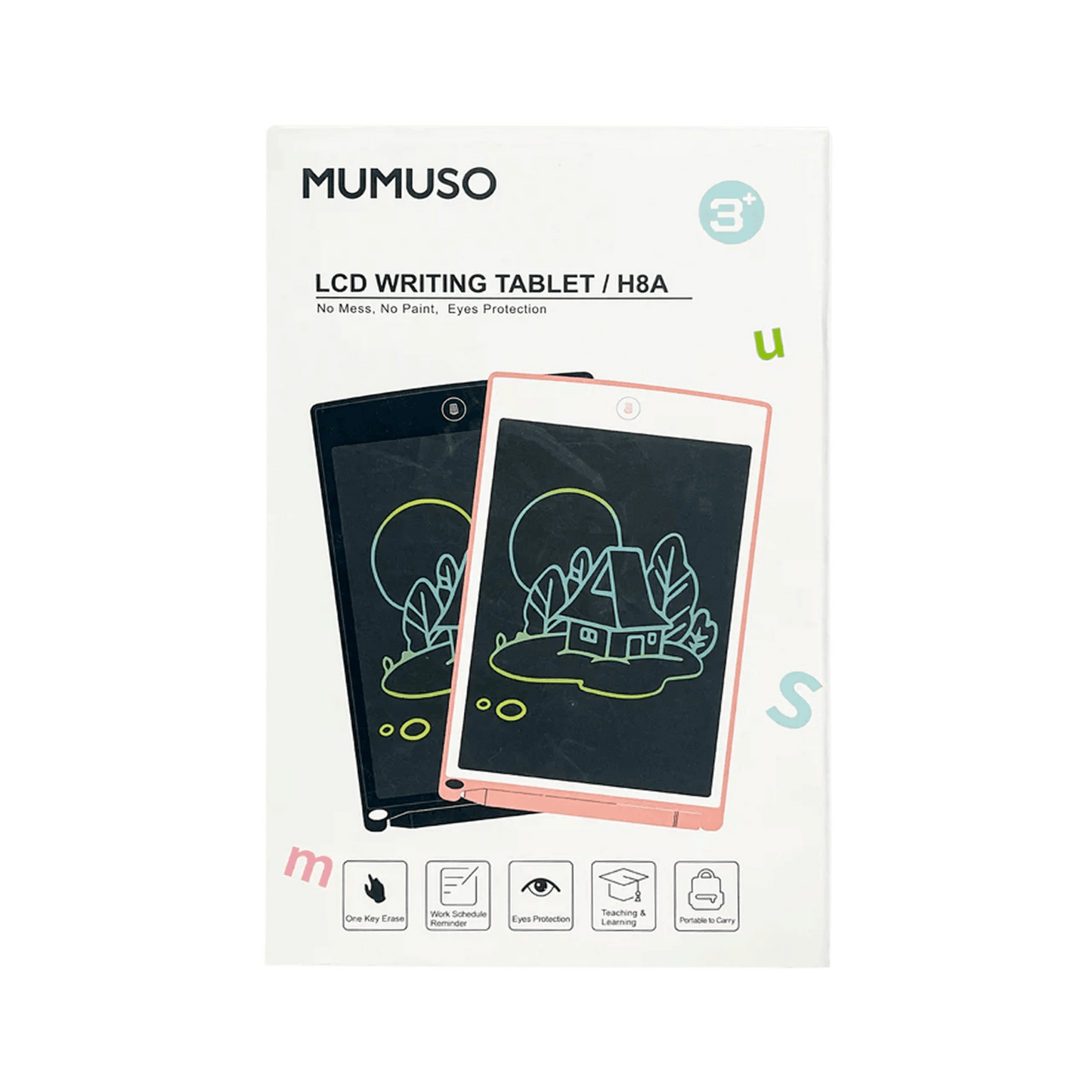
Kids LCD Tablet Black
Kids LCD Tablet Black
Regular price
6.500 JOD
Regular price
Sale price
6.500 JOD
Unit price
per
Shipping calculated at checkout.
Couldn't load pickup availability
Age: 3 and above
Material: Plastic, Electronic Components Maintenance: Wipe with a dry cloth.
How to Use:
1. Remove the Stylus Pen and write directly in the writing board.
2. Press the Erase Button to clear the written contents; you can rewrite after a while.
3. If the written contents cannot be cleared, please replace the button cell.
4. To replace the button cell, firstly open the battery cover, and then take it out for replacement.
5. This product uses one CR2016 button cell. \n
-
What if I have an inquiry about a product before placing an order?
You can contact customer service to assist you with any information you could not clearly obtain, or via WhatsApp by clicking here.
-
Fast and secure payment
We offer several payment services: online via bank card, CLIQ transfer, or cash on delivery.
